What Does a Brown Machined PEEK Surface Actually Tell You?
You just machined a new PEEK component and notice a brown surface. Is the part ruined? We see this often, and it's a valid concern.
A brown PEEK surface usually indicates localized heating during the machining process. However, it does not automatically mean the component is damaged or unusable. You must gather more evidence by examining the discoloration's location, checking for other physical changes, and considering the specific PEEK grade.
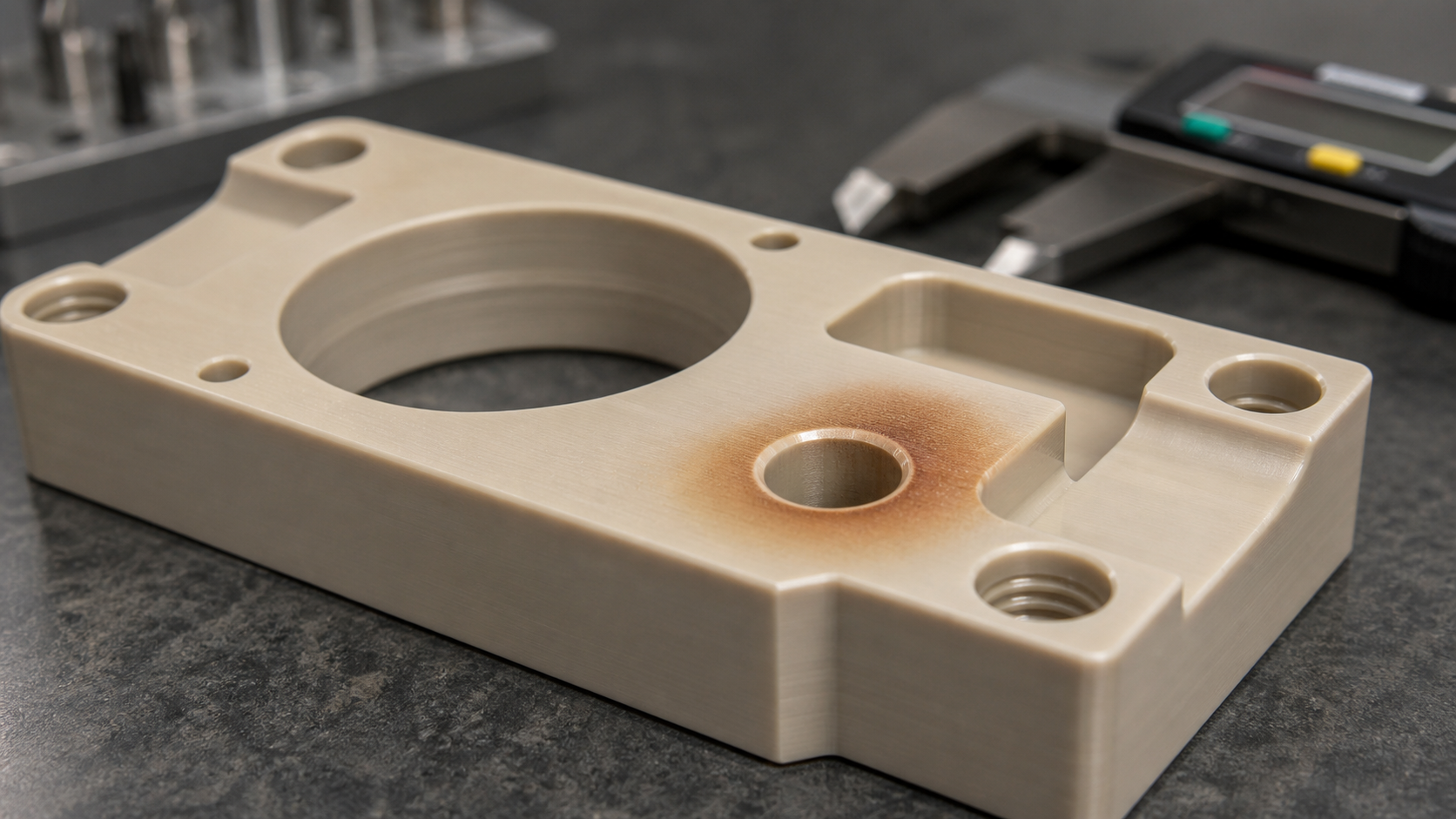
When we see discoloration on a high-performance polymer like PEEK, it's easy to assume the worst. The material is expensive, and the application is often critical. But jumping to conclusions can lead to unnecessary scrap and wasted time. The brown color is just one piece of a larger puzzle. To truly understand what happened, you have to become a detective and look for more clues. Let's break down how we approach this problem to make an evidence-based decision, not one based on appearance alone. We treat this discussion as anecdotal and would always recommend you independently confirm any proposed remedy for your specific PEEK grade and application.
Locating Discolouration Relative to the Cutting Path?
Seeing a brown spot is worrying. But where is it located? The exact position tells a story about why it happened and what to check next.
If the browning is at the bottom of a deep hole, it often points to poor chip evacuation and tool rubbing. If it’s along the entire tool path, your general cutting speed or feed rate might be too high, generating excessive friction and heat.
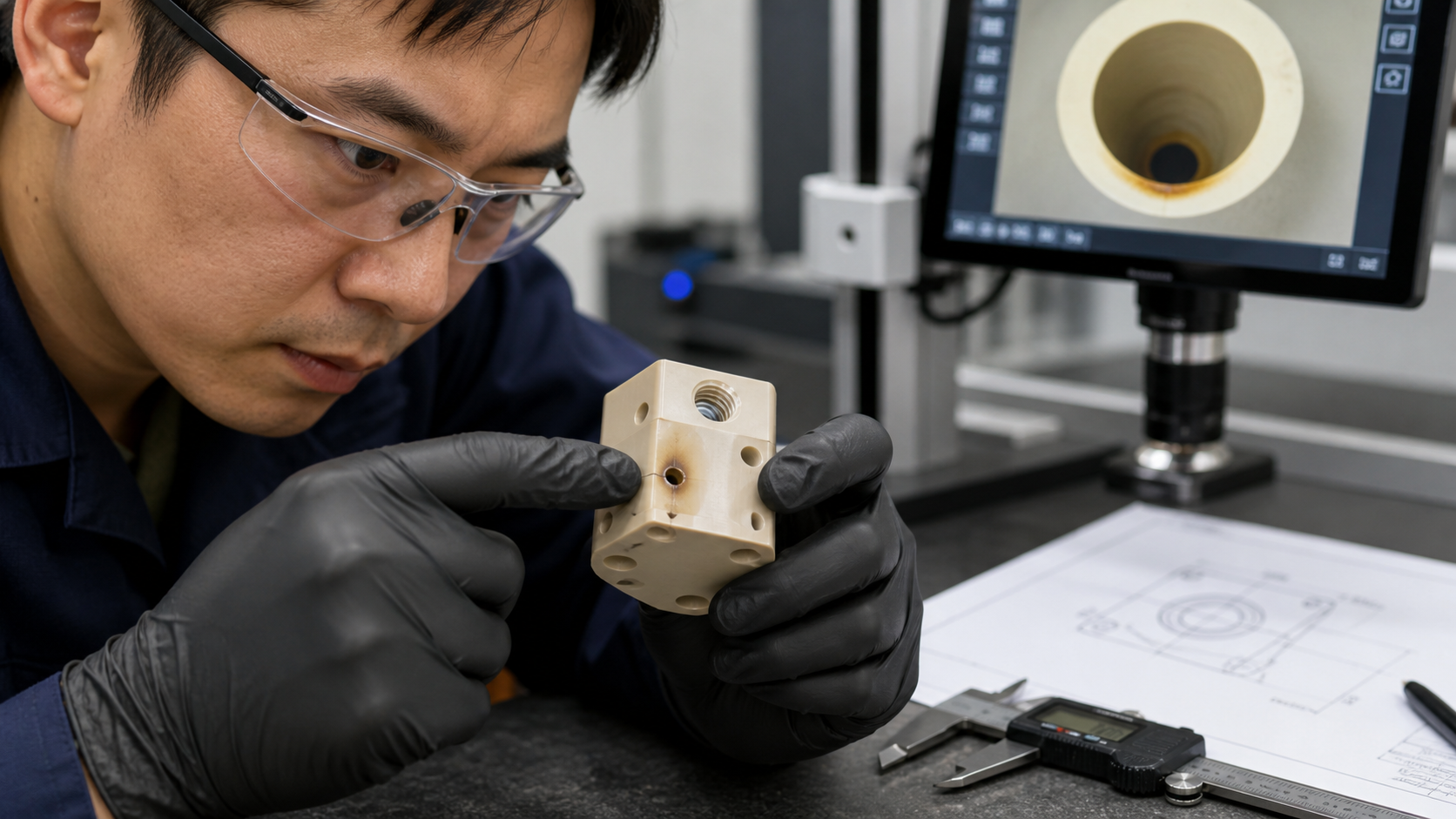
Heat is the enemy when machining PEEK. The goal is to cut the material and get the chip out of the way as quickly as possible. If the chip stays in the cutting area, it melts and sticks to the tool, creating more friction and more heat. This is especially common when drilling small, deep holes. We always emphasize using very sharp tools with the right geometry to form a clean chip. Good chip evacuation, often helped by through-spindle coolant or peck drilling cycles, is just as important. The location of the browning is your first and best clue about what went wrong in this process. By analyzing the pattern, you can start to diagnose the root cause instead of just looking at the symptom.
Analyzing Discoloration Patterns
To narrow down the potential cause, we can map common discoloration patterns to their likely sources. This helps us focus our investigation and adjust the right machining parameters.
| Discoloration Pattern | Likely Cause | Suggested Check |
|---|---|---|
| At the bottom of a blind hole | Poor chip evacuation; chips packing up and causing the tool to rub instead of cut. | Review the peck drilling cycle, check tool sharpness, and ensure coolant is reaching the cutting point. |
| Only at the entrance of a hole | Dwell time at the start of the cut was too long, or the tool rubbed before engaging. | Adjust the CNC program to minimize dwell and ensure a clean entry into the material. |
| Uniformly along a long cutting path | Cutting speed or feed rate is too high for the tool and material, generating constant, excessive heat. | Reduce the spindle speed or feed rate and monitor the surface finish and temperature. |
| In sharp internal corners | The tool slowed down too much in the corner, or chips became trapped, causing localized rubbing. | Check the toolpath for smooth transitions and consider using a smaller tool to clear the corner effectively. |
Checking Heat Exposure Without Relying on Colour Alone?
The part is brown, but is it actually damaged? Relying only on color can be misleading and costly. You need more objective evidence to make a confident call.
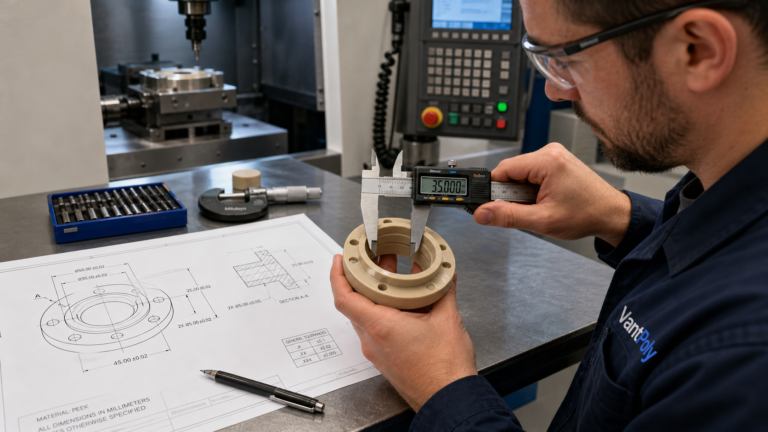
Look beyond the colour. Use calipers to check for dimensional changes like swelling or shrinkage near the discoloured area. Feel for a change in surface texture—is it gummy, melted, or brittle? These are more reliable signs of thermal damage than a slight colour change alone.
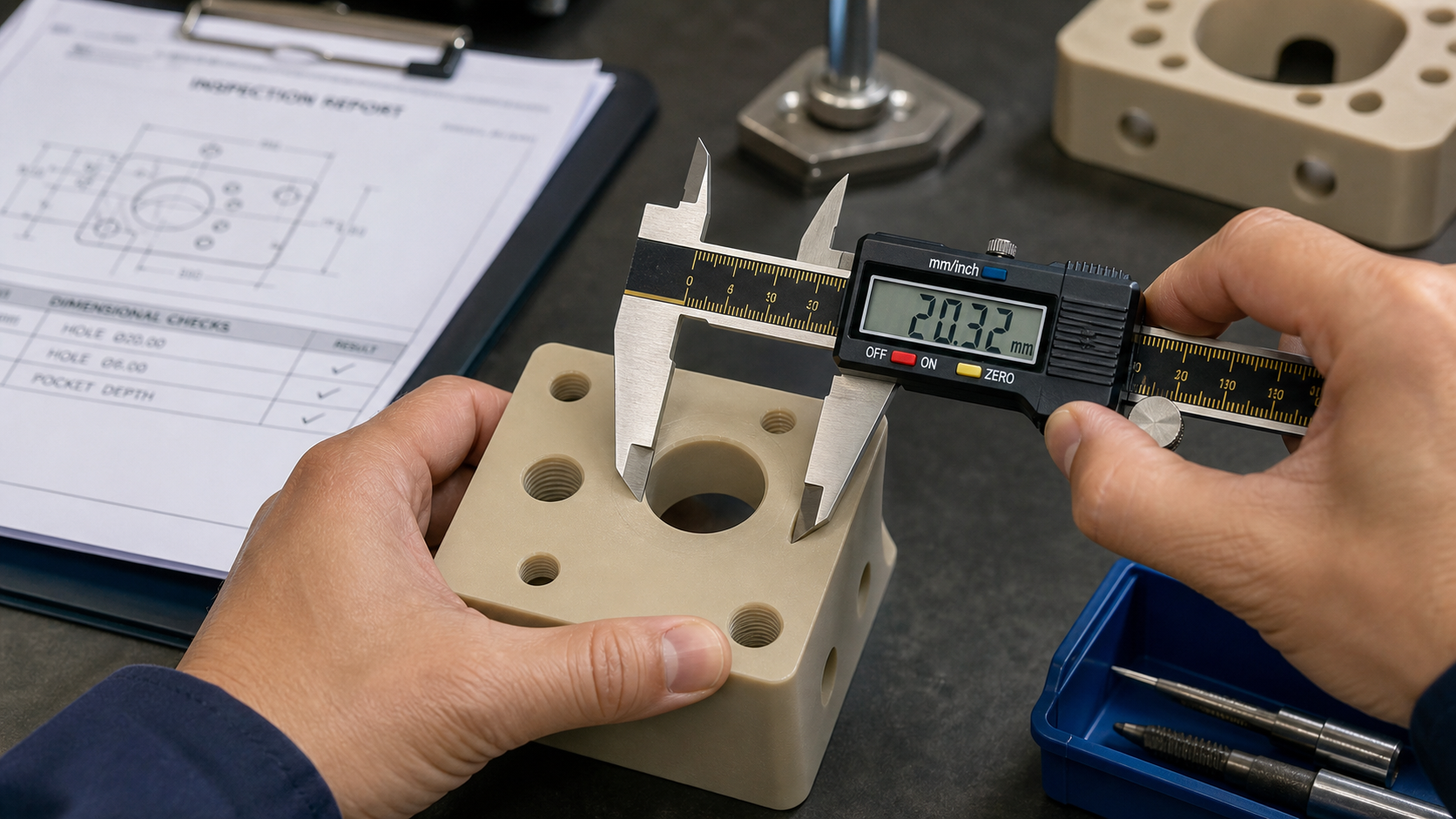
A slight tan or light brown colour on PEEK means the material has been exposed to heat, but it doesn't tell you if it exceeded its critical temperature threshold. The mechanical properties of PEEK can begin to degrade before you see a dramatic change in appearance. That's why we need to look for other, more concrete evidence. The first thing we do is get out the measurement tools. If a hole's diameter is smaller than it should be, it could mean the material got hot, expanded, and then cooled and shrank. If the surface feels different, that’s another major red flag. A smooth, machined surface that now feels sticky or rough has likely undergone a physical change. These checks move you from a subjective opinion based on color to an objective decision based on measurable data.
Physical Indicators of Thermal Damage
Beyond a simple visual check, we can look for several physical indicators that confirm the PEEK was overheated to the point of damage. These signs are often more reliable than colour:
- Dimensional Instability: Measure the feature carefully. Did a hole shrink? Did a flat face warp? Heat can relieve internal stress from the extrusion process or cause the polymer to deform. If the part is out of tolerance, it is a defect, regardless of colour.
- Surface Texture Changes: A properly machined PEEK surface should be smooth. If the discoloured area feels melted, gummy, or even has small pits, the polymer matrix has been compromised.
- Brittleness or Cracking: In severe cases of overheating, the material can become brittle. Look for micro-cracks near the affected area, especially if the component will be under mechanical stress.
- Smell: Overheated PEEK can sometimes produce a distinct odor. While this is highly subjective, a strong "burnt plastic" smell during or after machining is a clear sign that temperatures were way too high.
Comparing Surface Findings With Material Identification?
Not all PEEK is the same. A brown spot on one grade might be acceptable, while on another, it could signal a serious problem with the component's integrity.
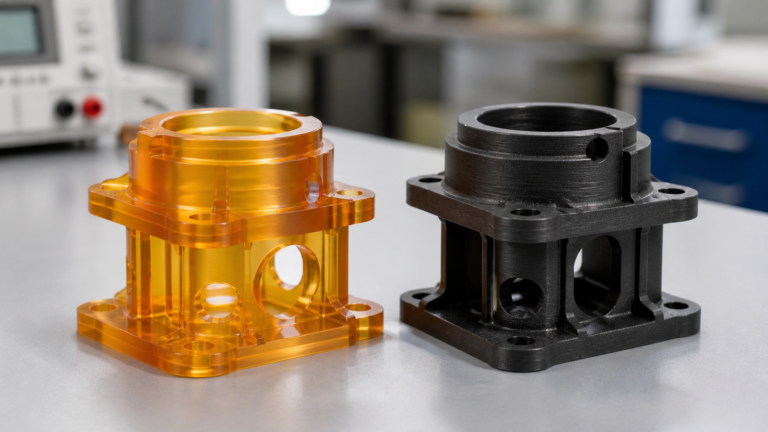
The specific PEEK grade matters. Unfilled, virgin PEEK shows heat discoloration easily. Additives in glass-filled or carbon-filled grades can mask this browning, even if the polymer was overheated. Always know your material's specific properties and limits before judging based on colour.
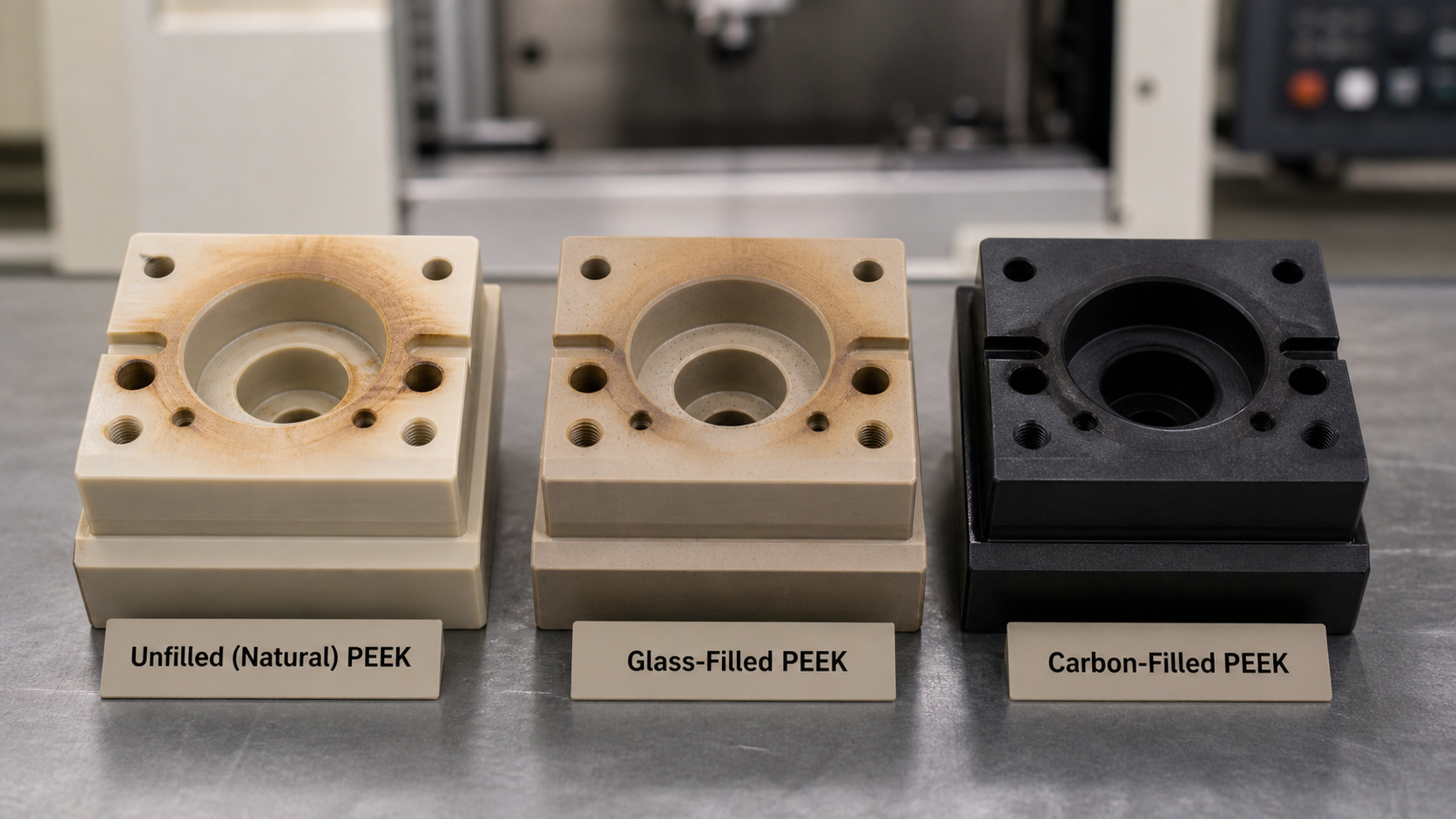
We work with many different grades of PEEK, from unfilled (natural) to formulations with glass fibre, carbon fibre, or other additives. Each one behaves differently under heat. Natural, unfilled PEEK is a bit of an insulator, so heat can build up quickly in the cutting zone, causing it to tan easily. However, grades with carbon or glass fillers have different thermal conductivity. These fillers can help pull heat away from the cutting zone, making the material less likely to discolour. But this can also be deceptive. A carbon-filled PEEK part might look perfectly fine (since it's already black), but it could have experienced just as much heat—or more—than the discoloured natural PEEK part. This is why we always start with the material's technical data sheet. It tells us the limits.
How PEEK Grade Affects Heat Response
Understanding the specific grade is crucial for correctly interpreting surface appearance. A material's composition directly influences its thermal properties and how it looks after machining.
- Unfilled (Natural) PEEK: This grade is the most likely to show a tan or brown colour when heated. It has the lowest thermal conductivity, so heat tends to concentrate at the tool tip. While it shows colour easily, the underlying polymer structure might still be fine if the temperature was not excessive.
- Glass-Filled PEEK: Glass fibres increase the material's stiffness and heat deflection temperature. They can also help conduct some heat away from the cutting zone. The light colour of the glass fibres can sometimes make browning less obvious compared to the natural grade.
- Carbon-Filled PEEK: Carbon fibre significantly increases thermal conductivity, which helps dissipate heat much more effectively. However, since the material is already black, it is nearly impossible to see any heat-related discoloration. For these grades, you must rely entirely on dimensional checks and surface texture analysis, not colour.
- Bearing-Grade PEEK (PTFE-filled, etc.): These grades are designed for low friction, which can help reduce heat generation during machining. However, the additives themselves may have lower temperature limits than the PEEK base polymer, so understanding the formulation is key.
Deciding Which Evidence Establishes Damage?
You have all the information. You know the colour, the location, and the material grade. How do you put it all together to make the final, critical decision?
Damage is confirmed when you have multiple pieces of evidence pointing to the same conclusion. A brown spot combined with out-of-tolerance dimensions or a melted surface texture is a clear failure. A slight, uniform browning on a non-critical surface with all dimensions in spec may be acceptable.

The final decision should not rest on a single observation. It's about building a logical case. We teach our team to think through a sequence of questions. Is there discoloration? Yes. Where is it? At the bottom of a hole. What does that suggest? Chip packing and rubbing. What other evidence do we have? Let's measure the hole. If the hole is undersized and the surface inside feels rough, you now have three pieces of evidence pointing to thermal damage. The part should be rejected, and the machining process needs to be adjusted. But if the discoloration is minor, the dimensions are perfect, the surface is smooth, and the feature is not critical for the part's function, then it may be purely cosmetic.
Building a Case for Acceptance or Rejection
We use a simple, evidence-based workflow to make a consistent and defensible decision. This removes guesswork and focuses on what actually matters for the component's performance.
- Observe the Appearance: Note the colour, intensity, and location of the discoloration. Is it a light tan or a dark brown? Is it localized in a tricky feature or spread across an open face? This is your starting point.
- Conduct Physical Checks: Use calibrated instruments to measure all critical dimensions in and around the affected area. Compare these measurements to the drawing tolerances. Use a profilometer if surface finish is specified, or simply assess the texture by touch and sight.
- Review Material Specifications: Look at the technical data sheet for the exact grade of PEEK being used. What is its heat deflection temperature? What are its known machining characteristics? This provides the context for your physical findings.
- Assess Application Risk: Consider the function of the discoloured feature. Is it a clearance hole or a precision bearing surface? Is it a sealing face? A cosmetic issue on a non-functional surface is very different from potential thermal damage on a surface that sees high stress or wear. By combining these four steps, the final decision becomes clear and is based on facts, not feelings.
Conclusion
A brown PEEK surface is a warning, not a verdict. Use its location, physical measurements, and the material's data sheet to decide if the part is truly damaged or perfectly functional.